Media Lab order
Place a Media Lab order from the Desktop App — senior staff with 25+ years of media industry experience can help organise, tag, and process deliverables on your Cloud Vault.
Services and pricing: Lab services
Preparations
- Sign in with the Desktop App.
- Have a title created.
- Upload the media related to the order (ASC via Desktop App for large packages).
- Some services require ingested / tagged media — see below.
Media Vault ingestion
Example: order a Media Vault ingestion job so lab staff organise (tag) and ingest uploaded files.
- Open the title.
- Click Show title folder contents (lower right) to work with uploads.
- Select the folder or files to ingest and click the purple Order button.
Choose Media Vault ingestion:
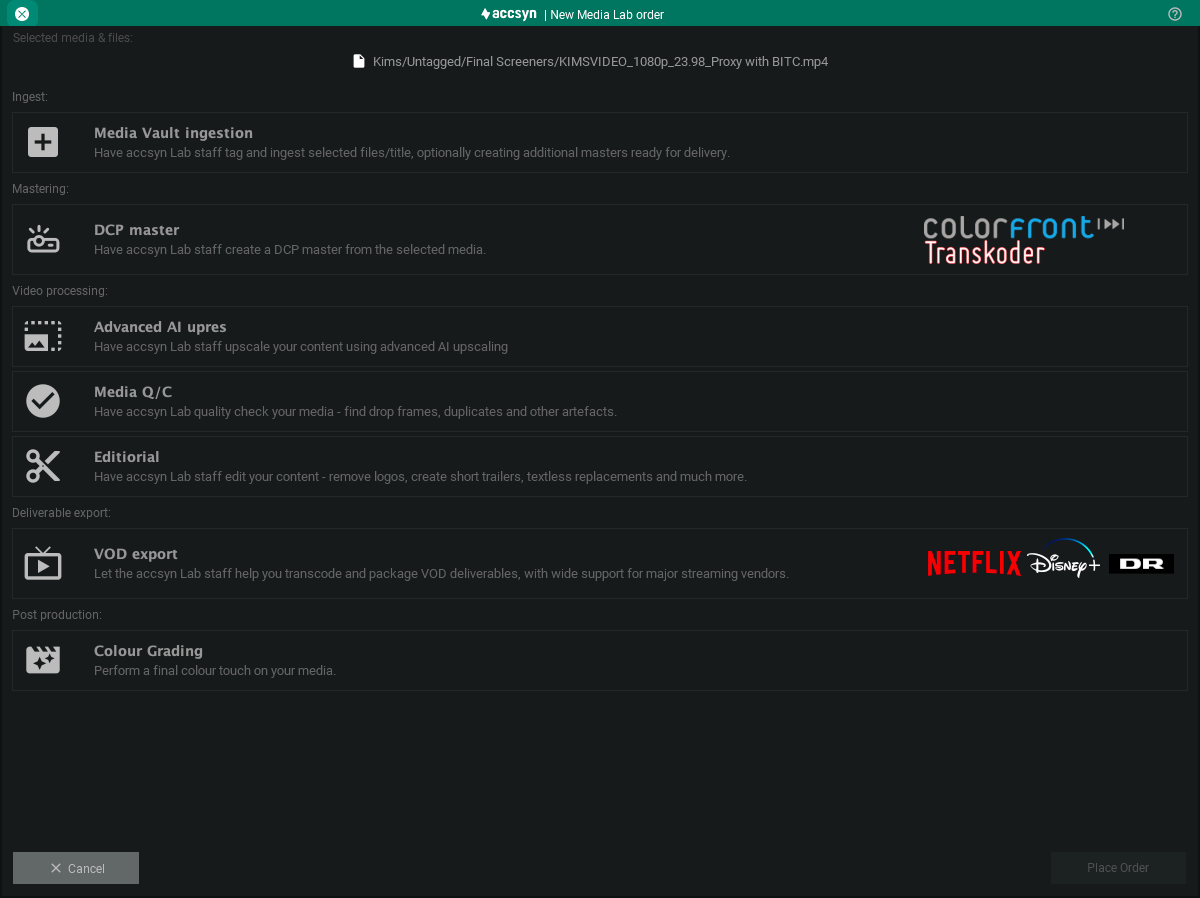
Media Lab order dialog.
Describe how you want files ingested (purpose, categories, and so on):
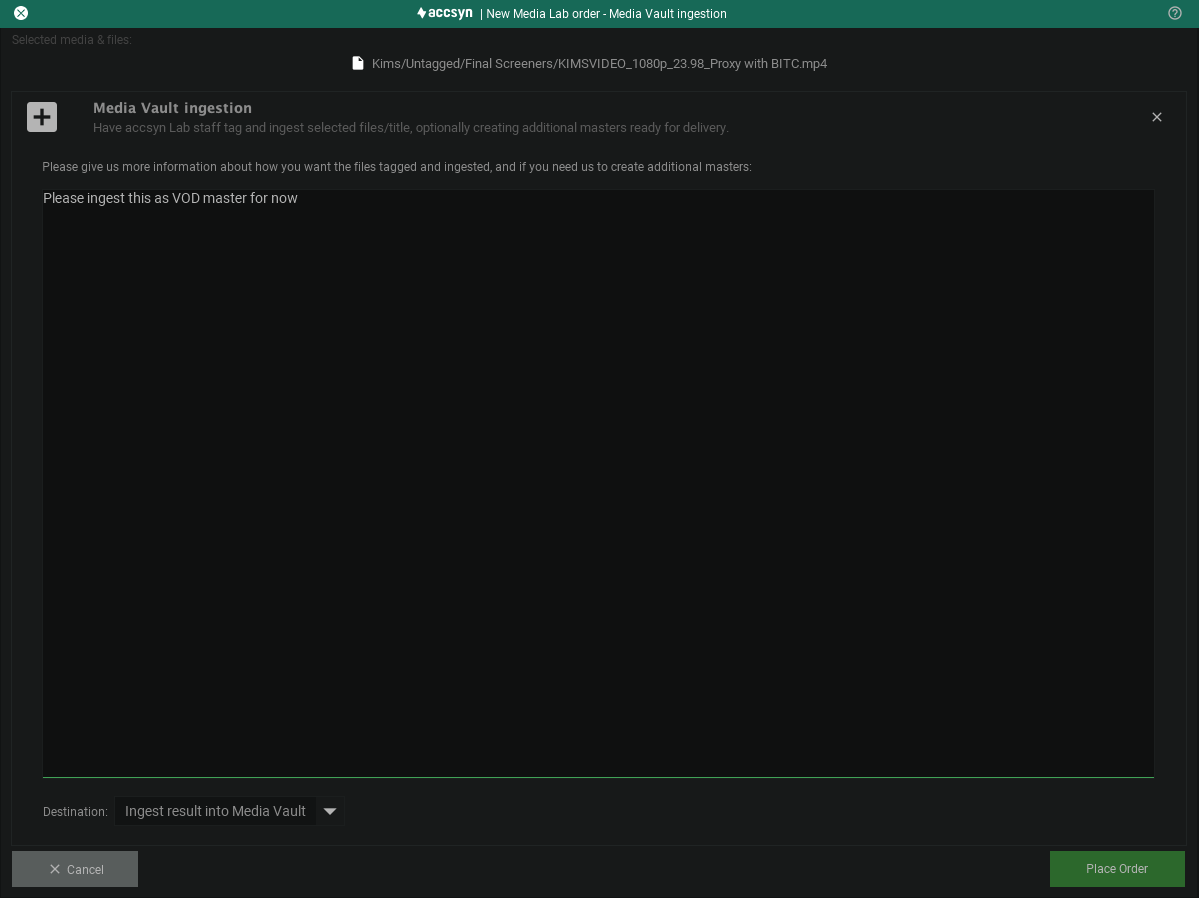
Click Place Order. You and the lab team receive email with an order number and details.
Within one business day you typically receive a quote and expected delivery information, plus a spreadsheet to track progress.
Manage my orders
How do I update my lab order?
Reply to the order email with updated information.
How do I cancel a lab order?
If work has not started, reply in the thread and ask to cancel.
How do I pay?
Stripe card payment and/or invoice. In some cases cost is added to the next standard workspace invoice.
How will I receive processed files?
When placing the order you choose output: ingest into the correct Vault location, delivery to you, or upload to a folder on storage.
More questions: chat (lower right) or support@accsyn.com.